Your own booking website
A website made from your listing, its look and pages, and publishing it.
Make your website
- 1Open Website. A website is made from your listing, with its photos, prices and free nights.
- 2Press Edit website. The editor has three tabs: Content, Design and Settings, with a live preview beside them (Phone, Tablet, Computer).
- 3Under Content, choose the page at the top, then click a section to edit its text and photos, or click it in the preview. Drag a section to move it; hide or show it; Add section for more.
- 4Under Design, pick a Look (Warm Mediterranean, Lakeside classic, Scandinavian minimal and others), then its Colours and Fonts.
- 5Press Publish at the top right when you are ready.
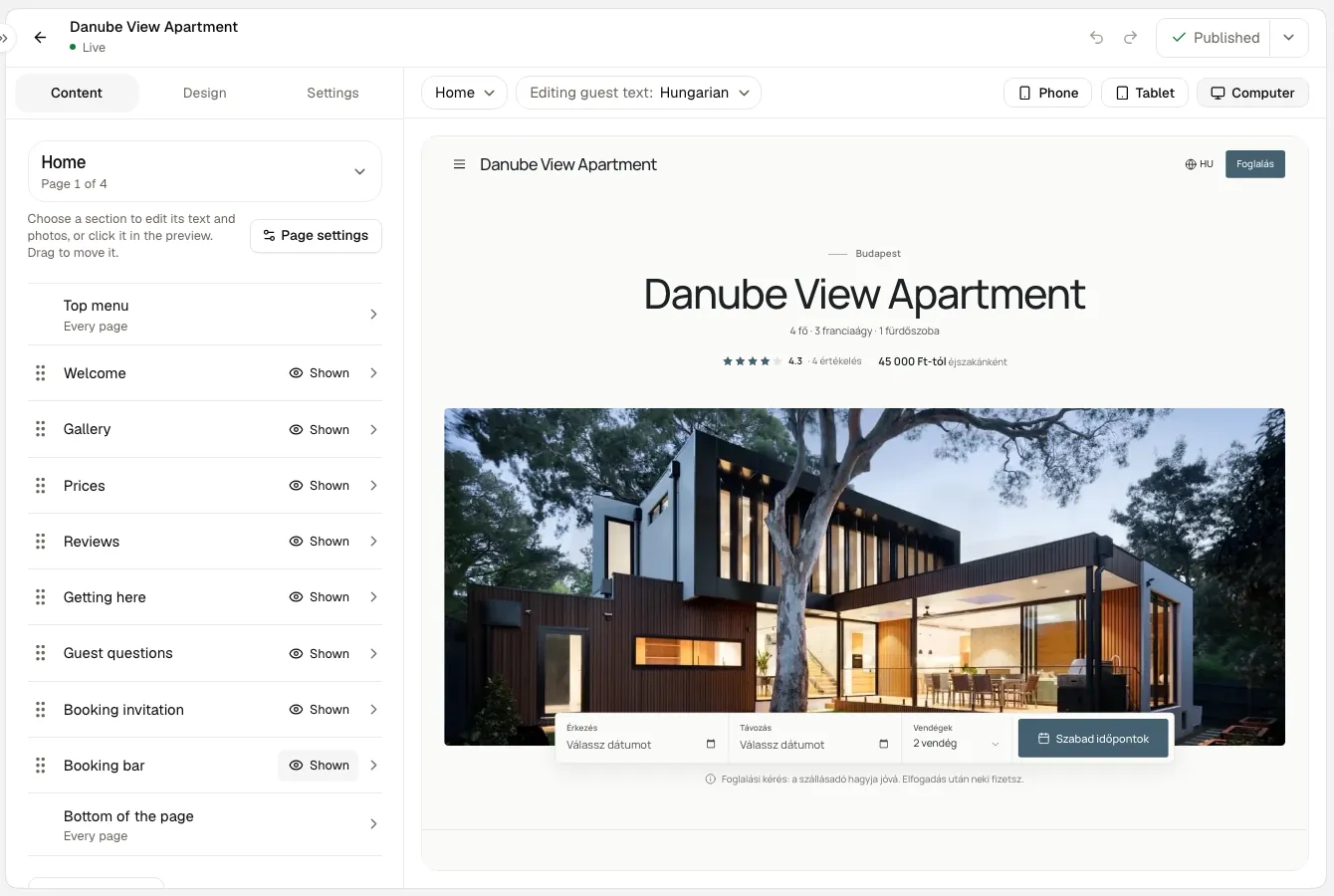
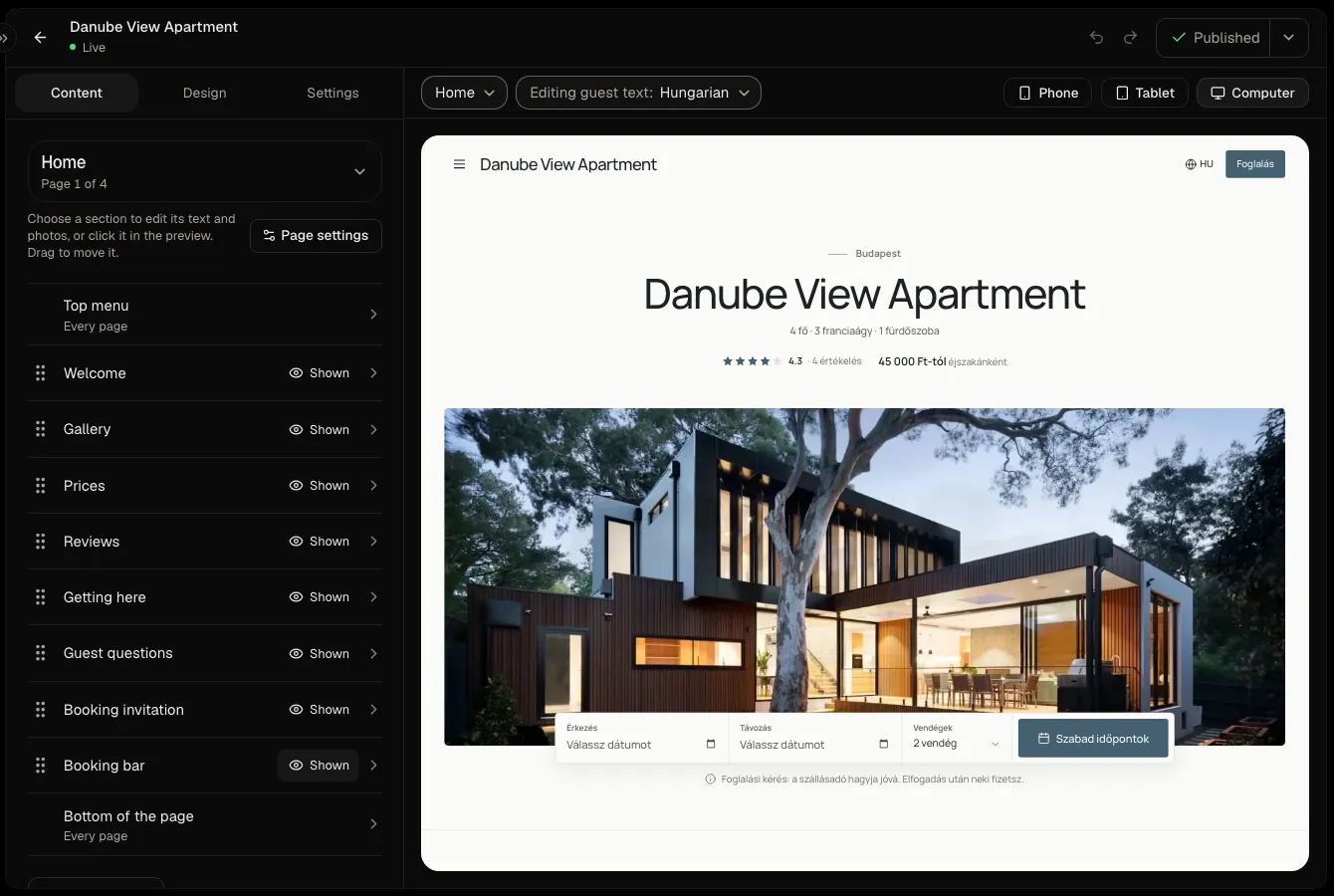
It starts as a draft only you see. Later edits are saved as a draft too: guests see them after you publish the changes. Editing guest text above the preview chooses the language you are writing in; undo and redo are at the top.
Content comes from your listing
Photos, the description, amenities, house rules, check-in times and prices come from Listings and the calendar. Make it fuller on the Website screen, and the ideas in the editor, suggest what to add to the listing; your website shows it by itself. A listing that is not on the website yet is offered with Add.
Address and booking link
Your website gets a free address ending in .hostemi.site (Settings, then Address in the editor). It always keeps working, also next to a domain of your own: Your own domain.
The Website screen and Settings, then General show the Booking link, one link that opens your booking page for your Instagram bio, e-mails and WhatsApp, with Copy address and Download QR code. General also holds the site name and logo, social links, and how the site looks in Google and when shared.
Publishing and your plan
Publishing is part of Complete. You can build and preview it on any plan. During the free trial the website stays a preview: it goes live when the trial ends and your plan is paid, or today if you press End trial now. Make another website on the Website screen starts a second one.
Next: How guests book