The inbox: every guest message in one place
Messages from every platform and e-mail in one list, how to reply, and what “Not delivered” means.
One inbox
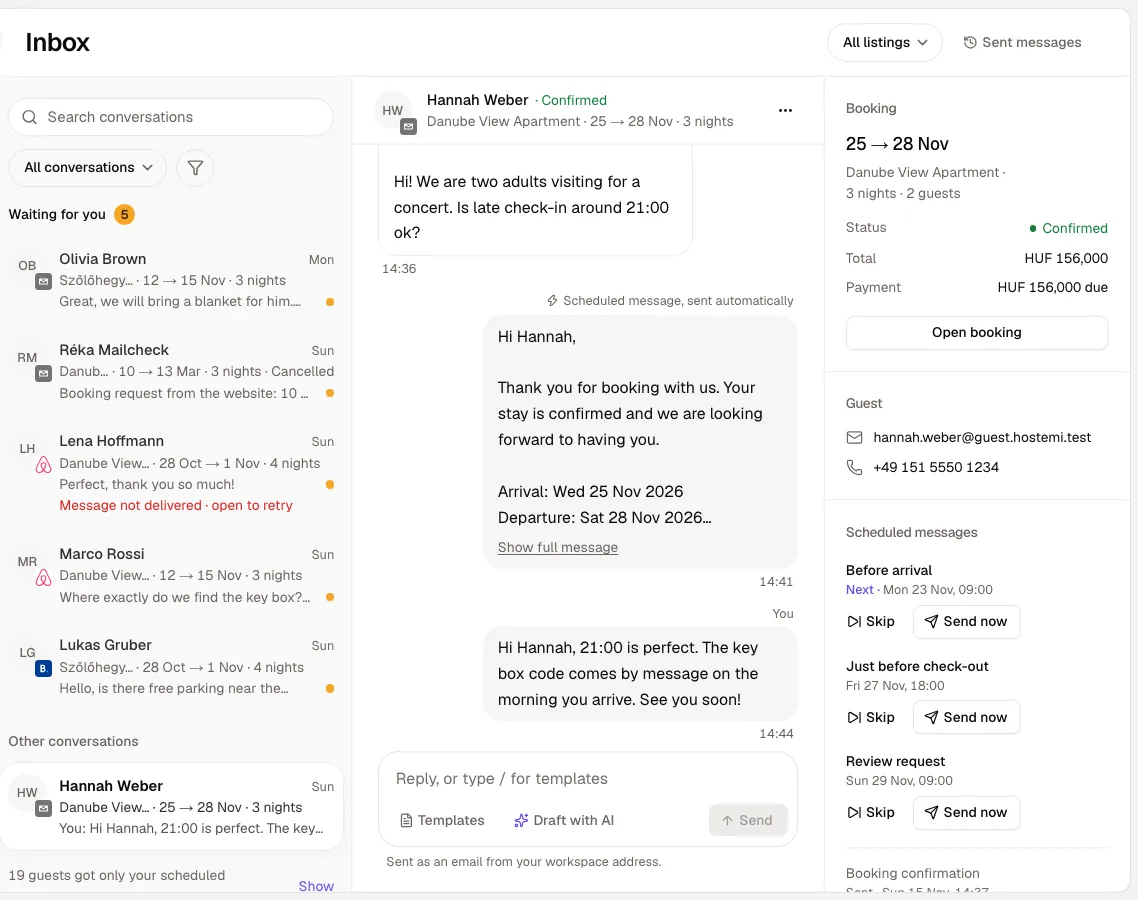
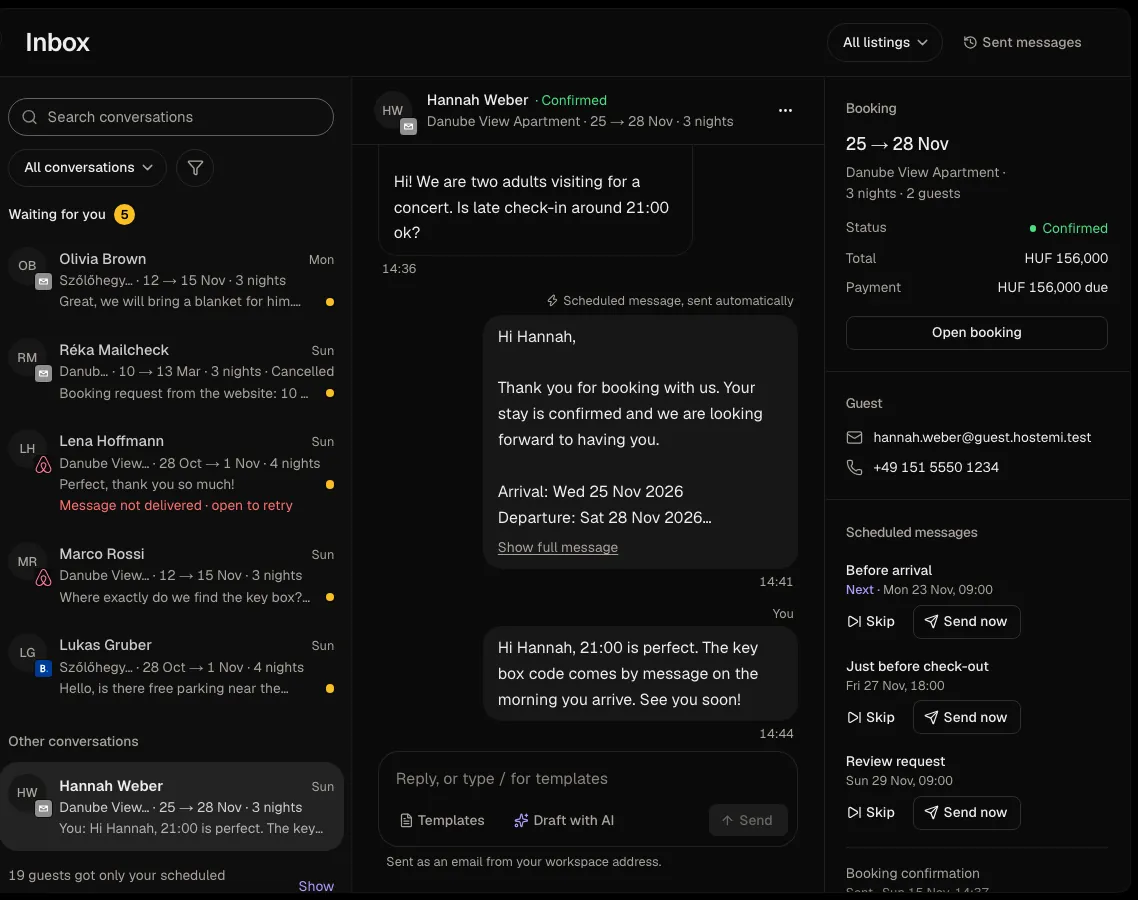
Inbox holds messages from every platform and e-mail in one list, with booking requests. Waiting for you comes first, then Other conversations. Guests who only got your scheduled messages are folded into one line with Show.
Filter with All conversations, Unread, Needs a reply or Booking requests, the funnel for a platform, and All listings at the top. Beside a conversation you see the booking (dates, status, total, payment, Open booking), the guest and the scheduled messages of the stay.
Reply
- 1Open the conversation.
- 2Write in the box (Reply, or type / for templates), type / or press Templates to insert a template, or Draft with AI.
- 3Press Send.
The line under the box says how it goes: Sent through the platform’s messages. for a platform booking, Sent as an email from your workspace address. for a guest who booked with you.
Close or mark as done
The … menu of a conversation has Open booking and Close conversation. A new message from the guest opens it again. On Today, each message that needs you has Mark done and Reply.
When a message is not delivered
A message that did not arrive is marked Message not delivered · open to retry in the list; open it and press Details for the reason, then Try again. Sent messages at the top lists every message sent to guests and whether it arrived.
See A guest got no message for each reason.
Next: Reply templates