Change many nights at once
Weekends only, a whole month, several listings, or a percentage up or down: one change for many nights.
One change for many nights
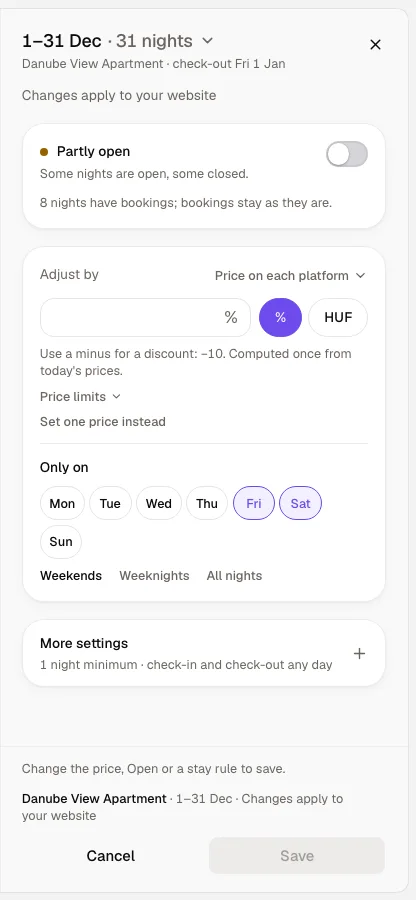
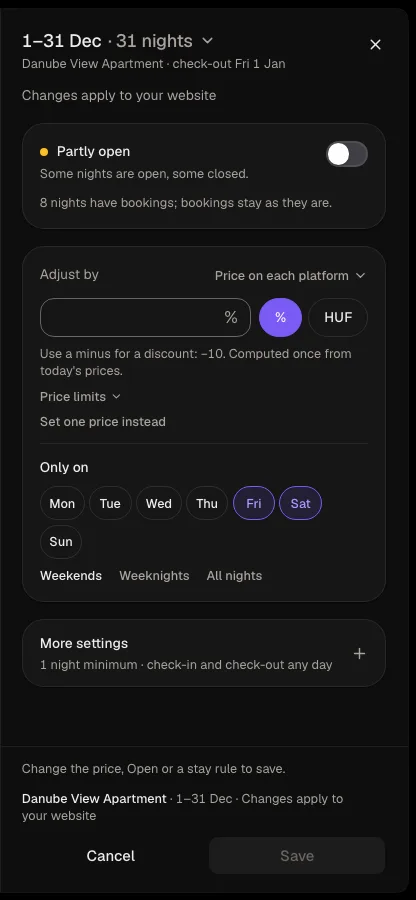
The same side panel handles a weekend or a whole year. To raise every Friday and Saturday of next month by 10 percent:
- 1Pick any nights in the calendar to open the panel.
- 2Tap the dates at the top of the panel and choose a quick range: This weekend, Next 30 days, Rest of this month, Next month or Rest of the year. Or set the First night and Last night and press Use.
- 3Press Raise or lower by % or amount, choose % and type 10.
- 4For 7 nights or more, Only on sits under the price: pick the weekdays, or tap Weekends or Weeknights. More settings keeps the stay rules and the other listings.
- 5Press Save.
Several listings
For a property with several listings, More settings also has All … listings of this property, or Choose listings to pick some. The change goes to each of them.
How a percentage is worked out
A raise or a discount is computed once, from today’s prices of each night. A night at 100 and a night at 120 become 110 and 132. Later changes to the base price do not move these nights again, because they now have a price set by hand.
Under Lowest price (below the percentage) you can keep the result from going below an amount. There is no highest price: a cap would leave money on the table on the nights that sell out, and a change of more than 25% already waits for your approval when an AI makes it.
Next: Seasons · Close nights and blocks